20+ stitch types
Run, triple, motif and ripple lines; satin, zig-zag and blanket columns; tatami, contour, spiral, sunburst, stipple, meander, Hilbert, tartan and gradient fills.
0.2 The machine-embroidery editor
Draw or drop in a logo, let it digitize itself, letter a name in a real embroidery font, watch it sew — and export it for your machine.
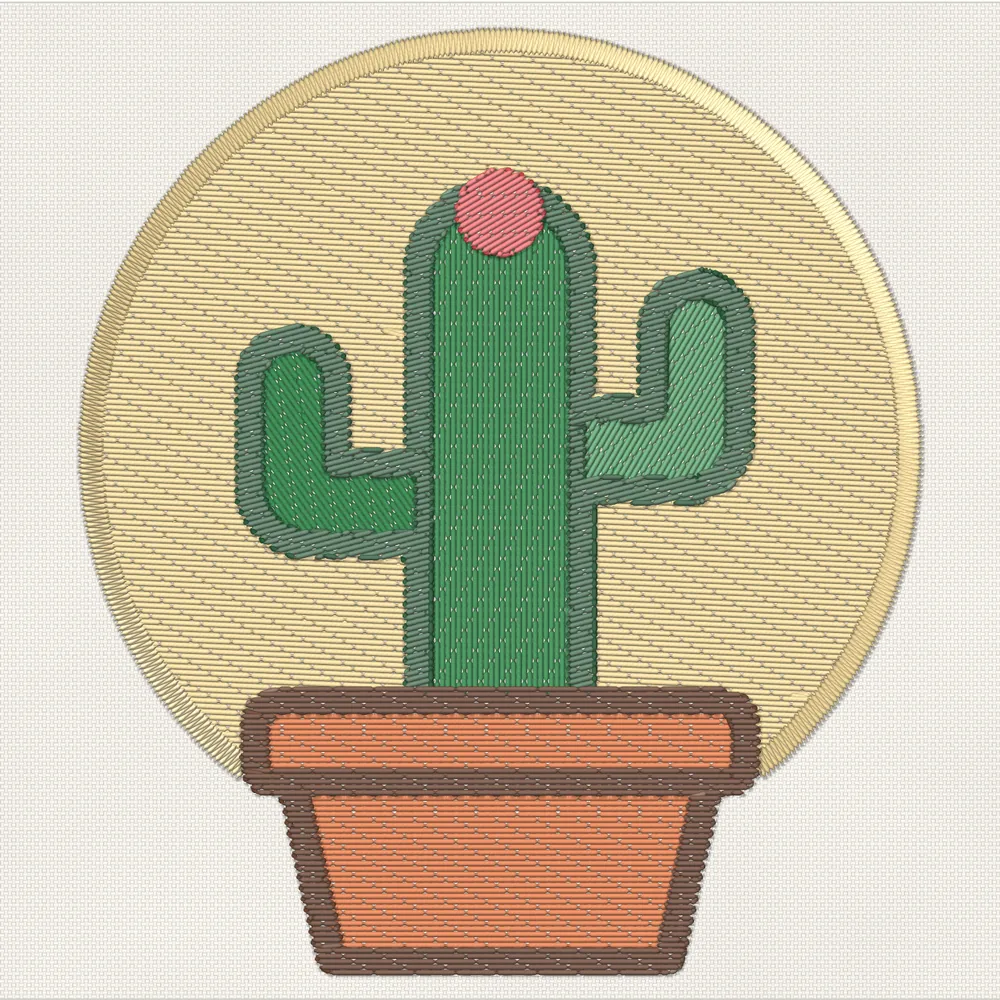
Fig. 1 — Sewn from Filum’s own stitch plan: 13,466 stitches, in order.
Nº 01 The editor
A preview of the editor with its sample design, from Filum's own stitch plan. Switch the view, pick a shape or a layer, or press Animate to watch it sew, colour block by colour block on the timeline.
 Find a command ⌘K
Nº 02 Auto-digitize
Pick a preset and Filum reduces the colours, then gives every region the right stitch: fills for areas, satin for strokes, running stitch for fine lines. Move the slider: this preview reduces the colours live, the way the app does, and shows each preset’s result as the app stitches it.
Nº 03 Lettering
Click and type in one of 134 pre-digitized embroidery fonts, or any TTF/OTF font stitched as fill, satin edge or outline. Bend it into an arc, run it along a path, make a batch of name tags. Type a name here to see it set in a real embroidery font.
Nº 04 Threads
75 thread charts — Madeira, Isacord, Brother, Janome, Gunold and more — plus the spools you own. Filum swaps every colour for the closest real thread, compared the way your eye sees colour (CIEDE2000). Fit the badge to a chart, or pick a thread and click any colour.
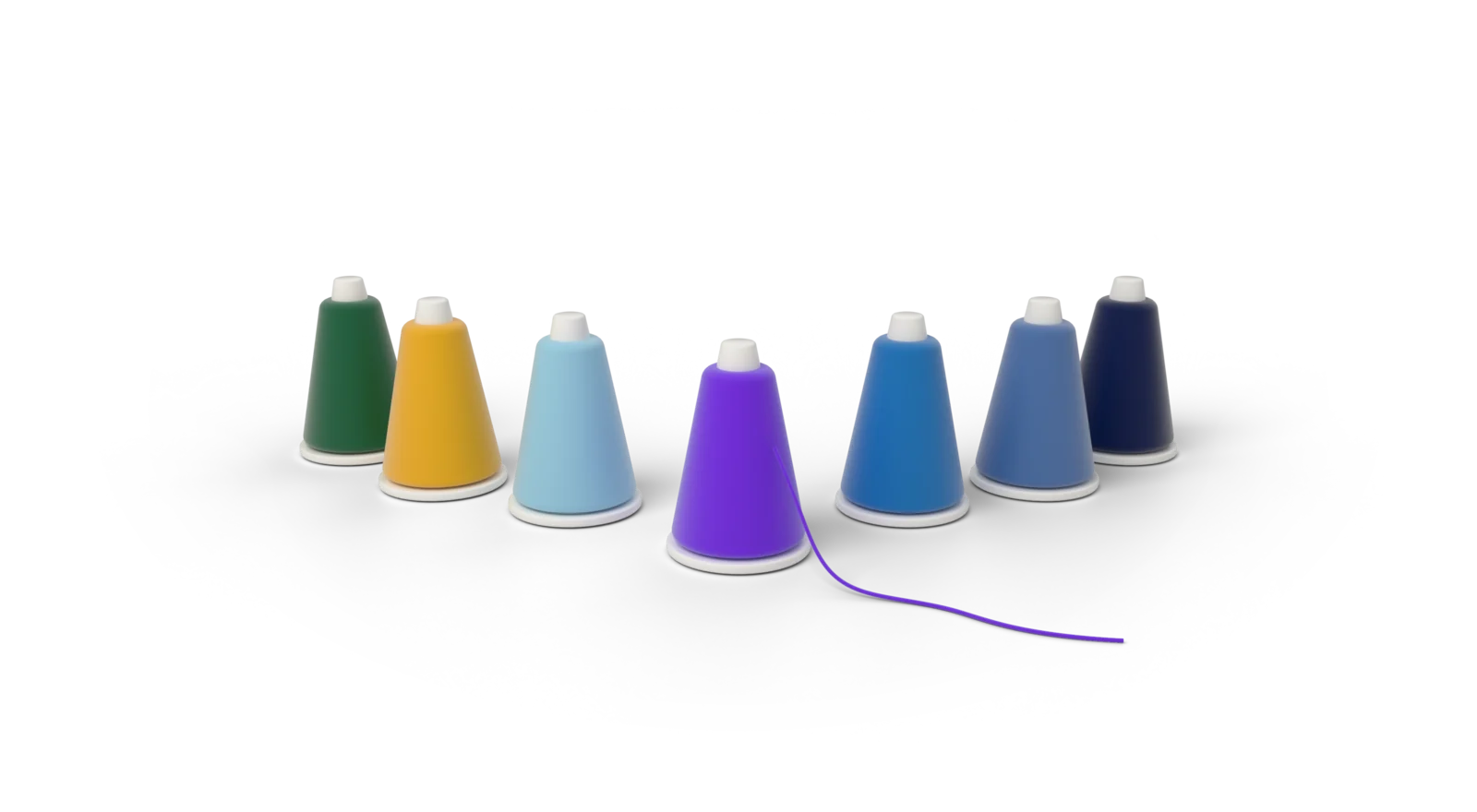
Fig. 2 — Seven cones in the badge’s thread colours. Rendered in Blender.
Nº 05 Production & export
Fabric presets set density, underlay and pull compensation for you. Appliqué, knockdown, basting and removing hidden stitching are one click each. Pick your machine: the format follows, and a pre-flight check runs before you sew. Filum knows what your machine's thread cutter cuts: the jumps it leaves are drawn as thread, and one key shows the finished piece, snipped and with the basting out.
Nº 06 How it stitches
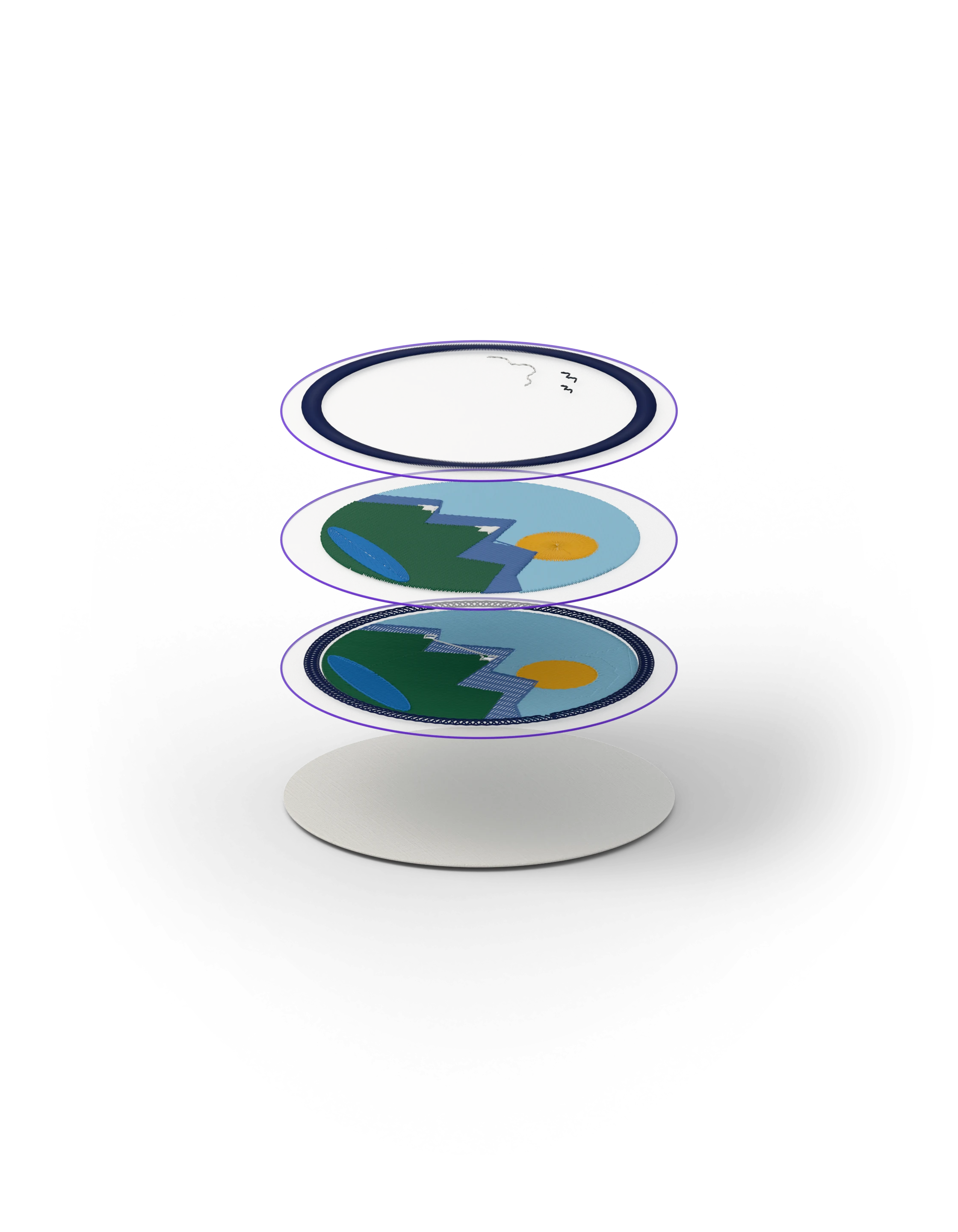
A design is sewn from the bottom up. Filum plans each layer so the fabric stays flat and the top stitches sit right.
Nº 07 And everything else
Run, triple, motif and ripple lines; satin, zig-zag and blanket columns; tatami, contour, spiral, sunburst, stipple, meander, Hilbert, tartan and gradient fills.
Placement line, tack-down and cover, with the machine stops in between.
A light net under the design, so it doesn't sink into towels and fleece.
Multi-colour fills with five dithers, density gradients and colour blending.
From a picture or any shape, on a grid you choose.
Object selection, edges and text detection in the digitizer. Nothing is uploaded.
A timeline of every colour block with its trims and the machine time. Scrub it, follow the needle, or record a video for your client.
Client and operator sheets with the colour sequence, stops, time and the jumps to snip by hand.
Fewer colour changes and less travel, without changing what ends up on top.
A tacking line, boxed or following the design, holds the fabric to the backing.
One copy per density, length or pull value, in a grid. Sew once, keep the best.
Sew one swatch, measure four pieces, and new objects start from the pull compensation your backing, hooping and machine need. Filum explains every number, and flags a measurement that looks wrong.
Nº 08 Tech specs
Get Filum
Freeopen source, for good